DN32-WSG
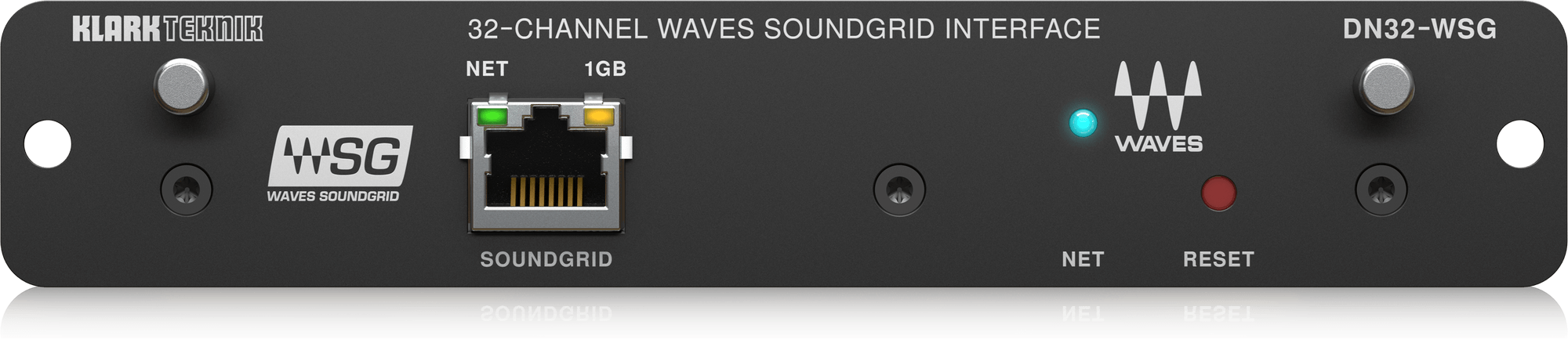
用于WAVES SoundGrid网络的32通道低延迟AoIP扩展卡

1 / 6
View in fullscreen
DN32-WSG
用于WAVES SoundGrid网络的32通道低延迟AoIP扩展卡
About this product
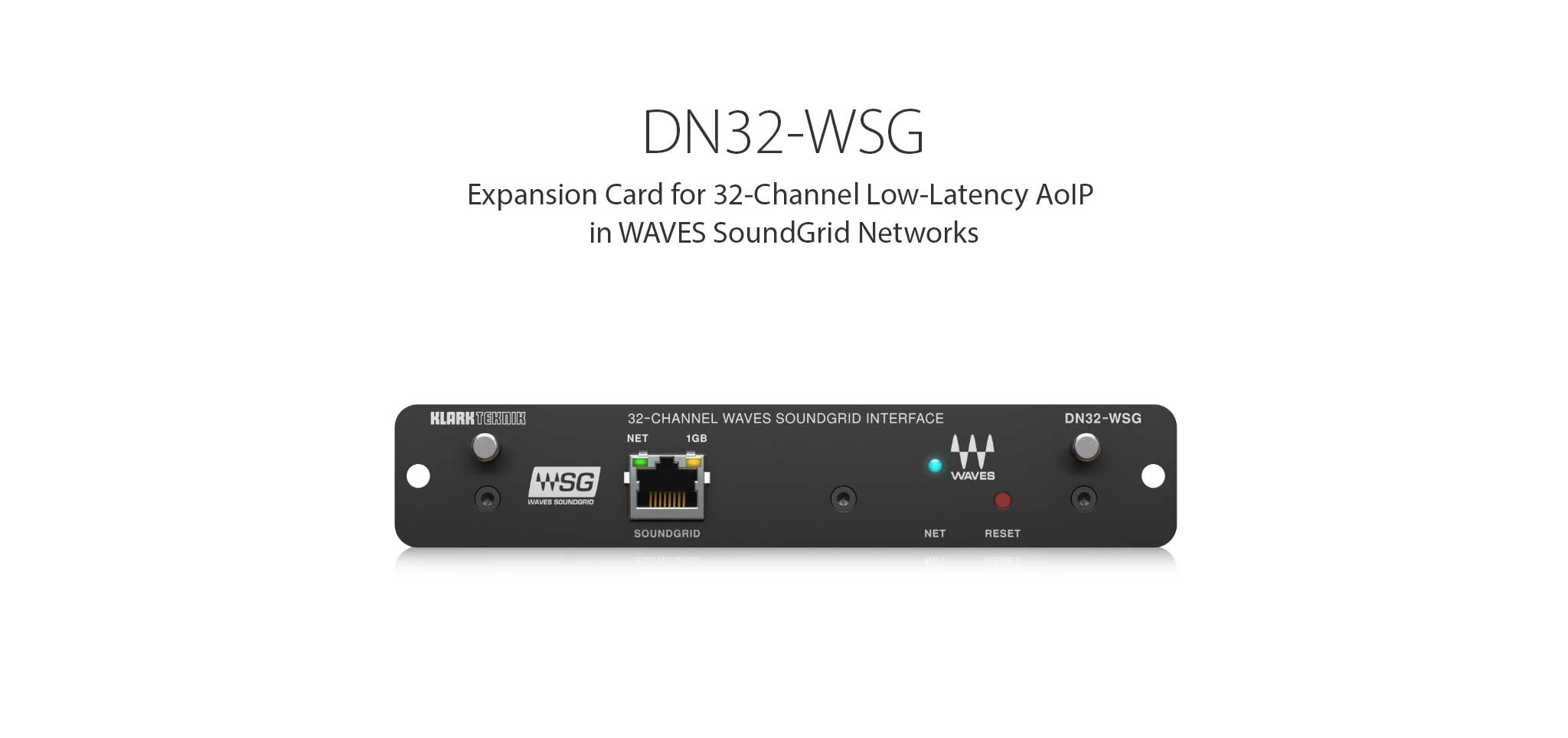
用于WAVES SoundGrid网络的32通道低延迟AoIP扩展卡
Waves SoundGrid Network Interface for Midas M32 and Behringer X32 Mixing Consoles
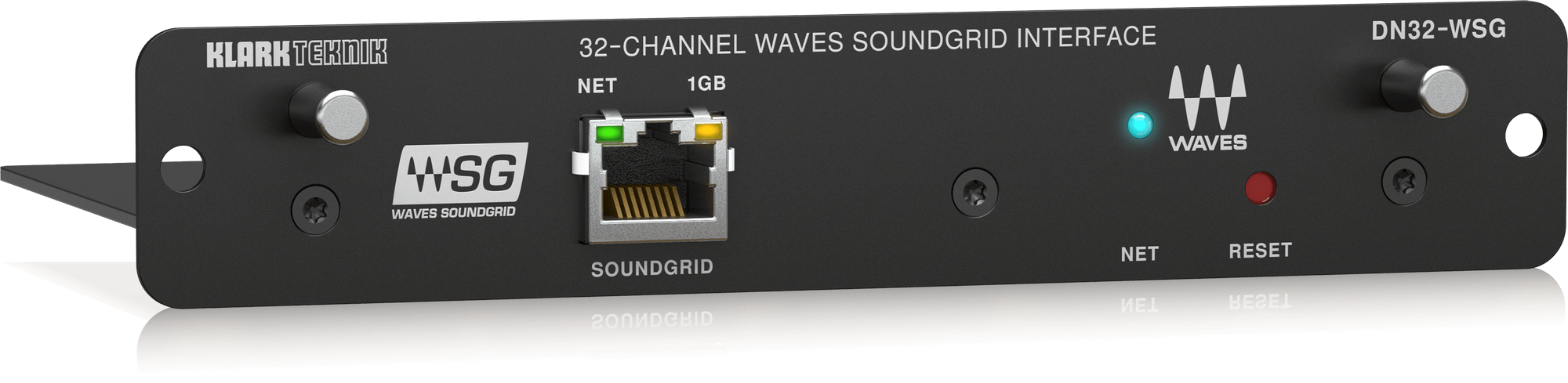
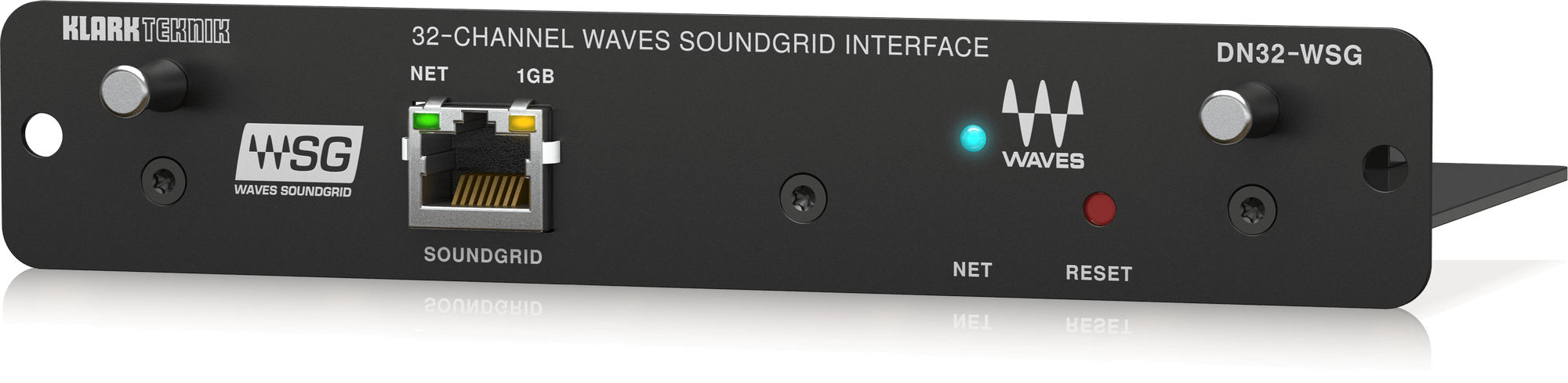
The DN32-WSG expansion card allows M32 and X32 users to mix, record and play back multichannel audio with a plethora of plugins hosted on Waves SoundGrid servers in extremely low latency. Waves offers highest-fidelity audio plugins for basically every contemporary and vintage-emulated audio processing. DN32-WSG now allows you to use the very same industry-standard processing tool chain for live productions that you may use in your studio environment already.
Networked Audio Processing Virtually Unlimited
Waves plugins can be run anywhere on the SoundGrid network, either on dedicated SoundGrid servers or as native plugins on connected personal computers. Native processing offers the flexibility of using standard audio computers, while SoundGrid plugin servers ensure minimal I/O latency, which is essential for live monitoring. You can apply, mix and cascade any processing in the network with total flexibility, whatever your production takes.
Your Door to the Processing Power of Waves SoundGrid
DN32-WSG offers full-duplex audio streaming for 32 channels in and out, with 48 kHz or 44.1 kHz sample rates and 24-Bit resolution. Round-trip network latencies down to 0.8 ms are possible, depending on complexity of the network infrastructure. Tip: Any audio plugins may invoke additional latency depending on their type and nature. Make sure you select low-latency processing exclusively, such as the “live” versions of plugins, when inserting effects into live monitoring audio paths.
Plug and Play
Once audio routes have been configured in a SoundGrid network using PC applications such as Waves SuperRack, MultiRack or StudioRack, the audio paths will be re-established at every startup automatically. It is recommended to use the latest available applications to ensure compatibility and access to the latest card firmware updates. There are no network specific settings to be configured in the mixing console. Just route your send signals to the card outs and return the processed signals where needed.
External Insert Effects
There are two ways of using external processing in Midas M32 and Behringer X32 mixing consoles. Up to 6 Channel Inserts can be assigned on Aux 1-6, when Aux outputs are in Insert mode. You must set the Input/home routing for Aux Inputs to Card 1-6, and the respective Card outputs to Aux1-6/Mon, to route the inserts through the DN32-WSG card and SoundGrid network. Up to 4 blocks of 8, or 32 external plugins can be inserted by routing all the input signals directly to the card outputs. All processed return signals are then routed back to the input/home by selecting Card 1-32. Note: In the second example, channels only see digital input signals. Hence, the preamp input gain and phantom power controls are available on the Setup/Preamps page only.
Free Tracks Live Recording Application
Created with and for live sound engineers, Tracks Live is the ultimate multi-track recording software solution for SoundGrid systems, designed to capture live performances of any kind, from the smallest gig to the largest production. Tracks Live enables easy switching between stereo out and multi out modes, allowing you to toggle back and forth between recording and virtual soundcheck with the click of a button. The automatic multichannel re-routing engine also adapts to any changes you make on the fly, making it easier than ever to set up big shows with hundreds of tracks.
Waves is Supporting You
Documentation and how-to videos are available for all aspects of applying SoundGrid audio processing and patching, as well as installing and registering Waves applications such as SuperRack, MultiRack, StudioRack or any plugins. A SoundGrid Certification Program guides you on your way to becoming a pro-user. In addition, there are also high-profile video tutorials from international top producers with all sorts of hands-on production advice. Visit waves.com for all information around SoundGrid.