VNET INTERFACE POWER SUPPLY
Catu Daya untuk Perangkat Antarmuka VNET
1 / 4
View in fullscreen
VNET INTERFACE POWER SUPPLY
Catu Daya untuk Perangkat Antarmuka VNET
About this product
Catu Daya untuk Perangkat Antarmuka VNET
VNET INTERFACES VNET INTERFACE POWER SUPPLY
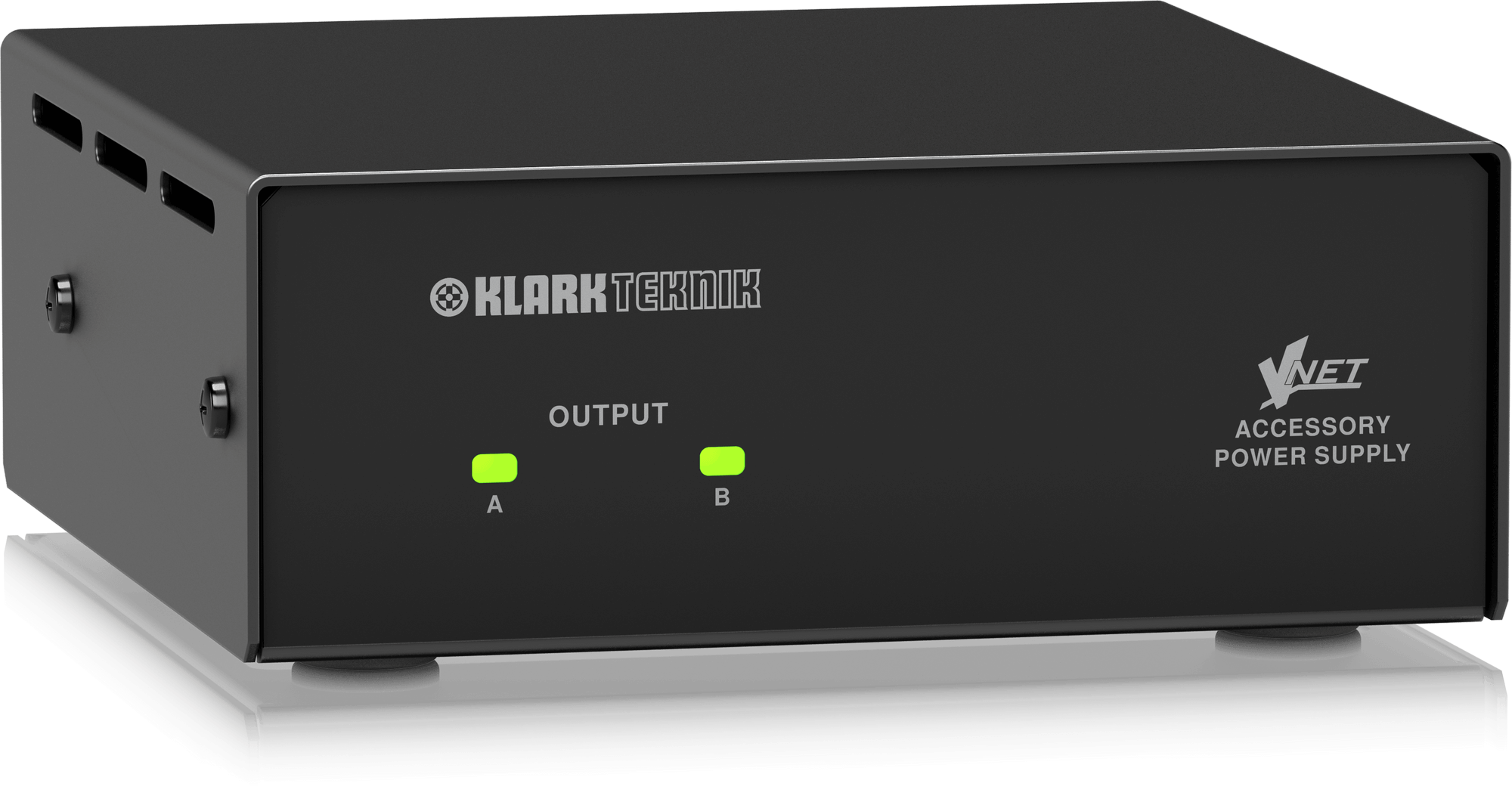
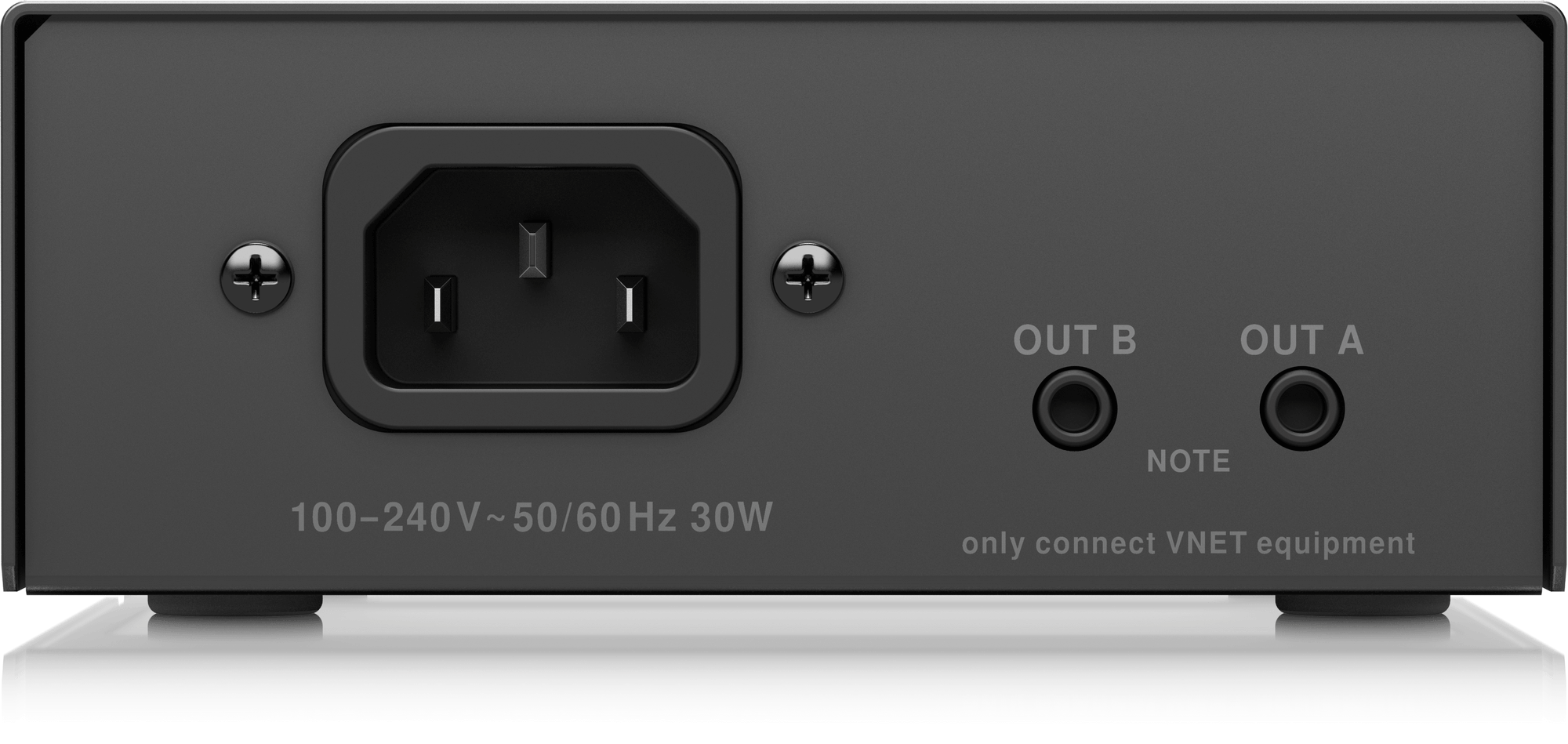
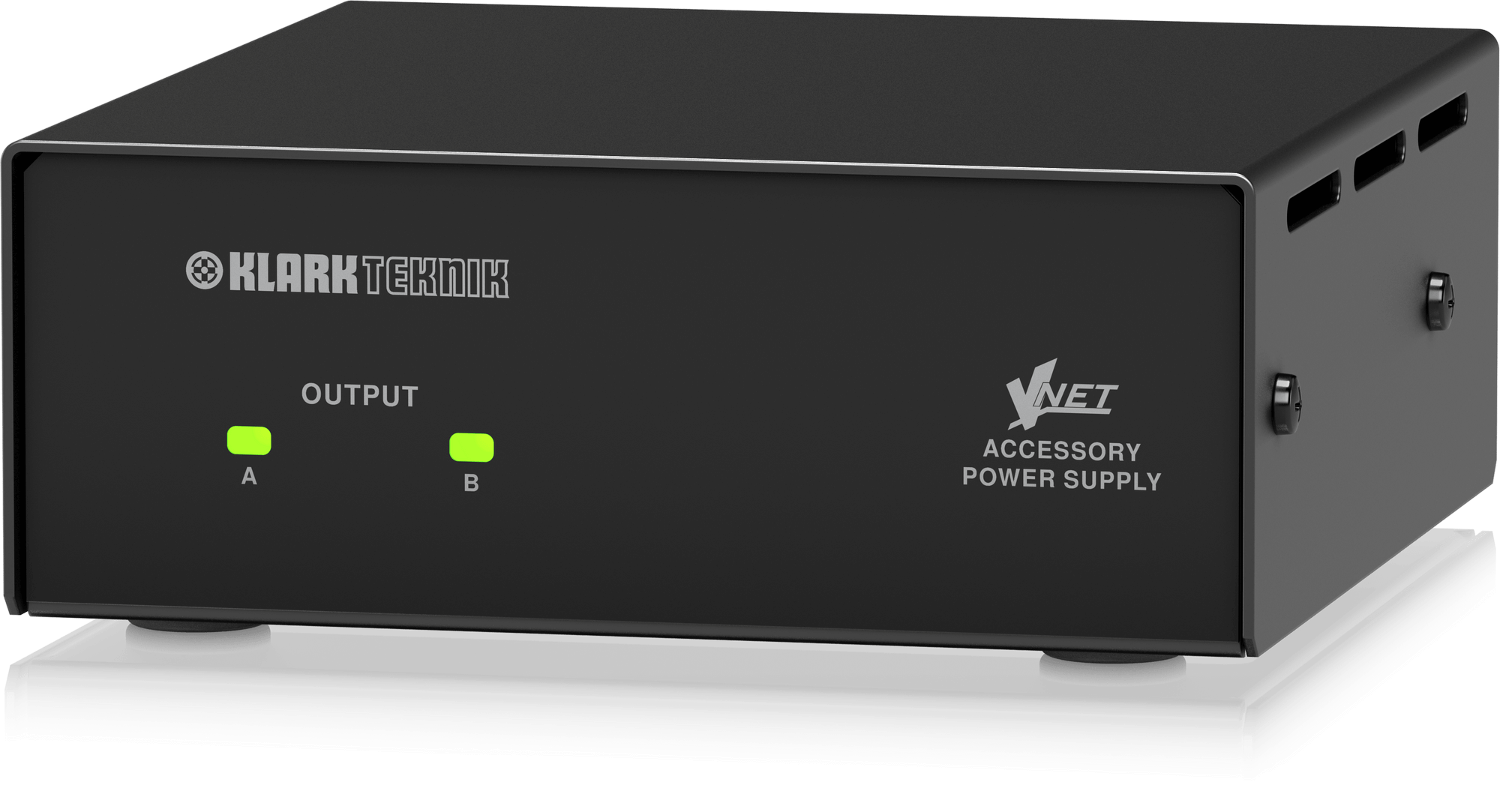
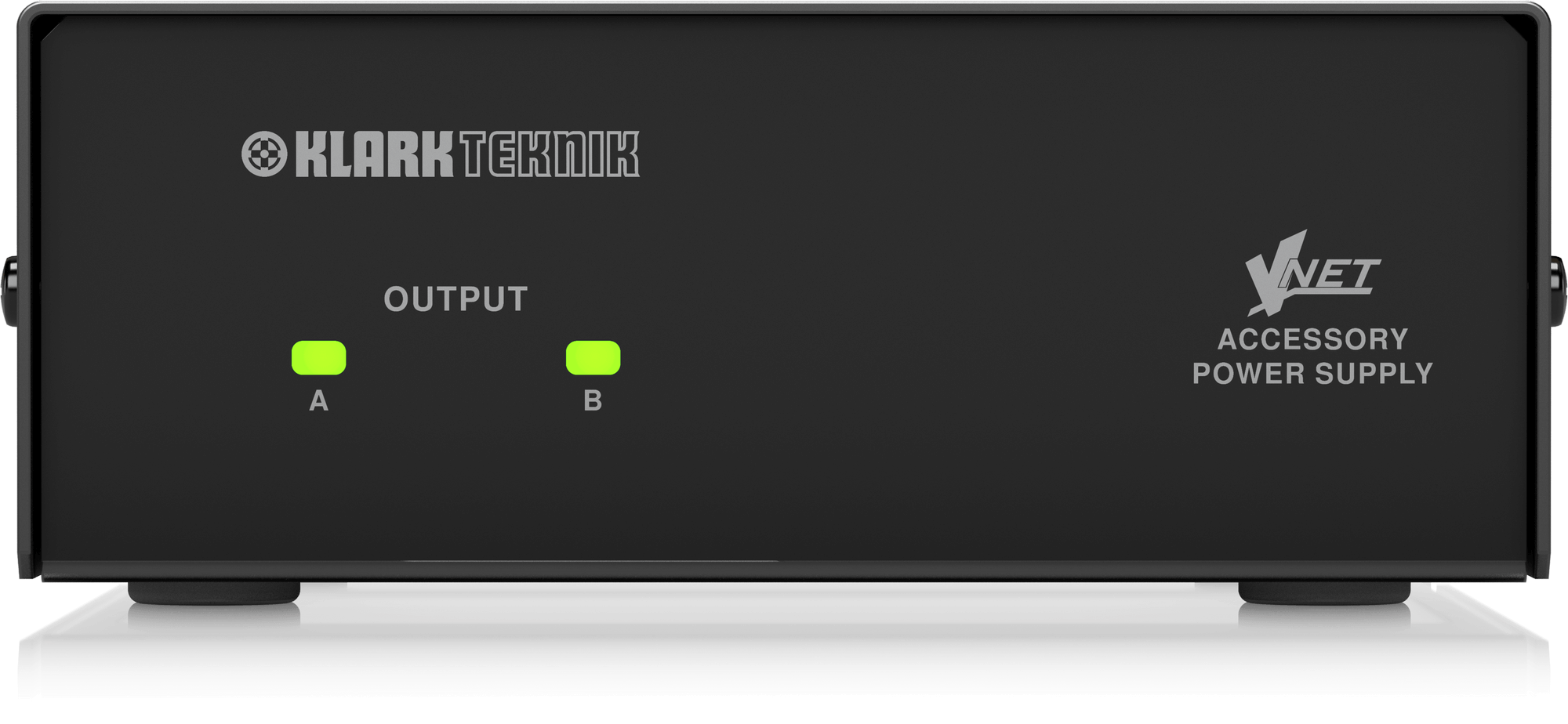
For VNET accessories requiring external power; USB & RS232 interface when RS232 control is required, and for Dante and Ethernet interfaces when Power Over Ethernet (POE) is unavailable. The VNET INTERFACE POWER SUPPLY is the ideal freestanding or rack-mountable solution for up to two VNET accessories. Connectivity to a Windows PC or laptop is simple and cost-effective using standard Ethernet cabling, with interconnections between VNET devices via Cat5 cables and RJ45 connectors. The rugged steel enclosure and Ethercon connectors ensure the VNET INTERFACE POWER SUPPLY will provide a long lifetime of reliable service.
Implementation
The VNET INTERFACE POWER SUPPLY can be installed in the VNET INTERFACE RACK MOUNT, leaving the remaining two slots available for additional VNET devices to be housed in a standard 1U 19" bay. An ultra-compact footprint allows the power supply to be utilised in standalone desktop/portable applications, where it can be used in close proximity to a desktop PC or laptop.